01/ 05
A More Serious Arm
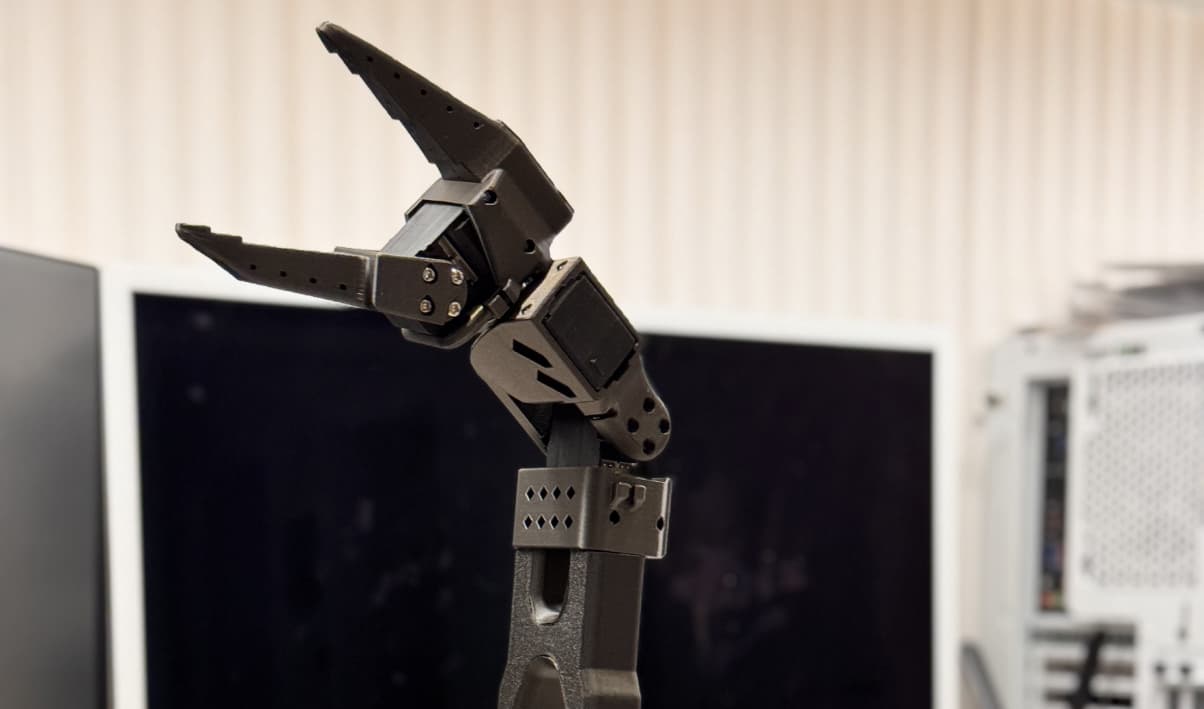
The next step was the TRLC-DK1.
Compared with the SO101, this felt like a serious upgrade. Better reach, Damiao actuators, more capable hardware, and generally much closer to the sort of platform I wanted to build around.
There was one obvious problem: it was not going on the Raskog cart.
The cart had been useful for experimenting, but it was not stable enough for this. If I wanted a mobile robot with proper arms, a lift, sensors, batteries, and compute, I needed to build the base myself.
I was going in fairly blind, but I had a clear idea of what I needed.
The robot had to drive around. The arms had to reach different heights. The whole thing had to be self-contained enough that I was not constantly dragging cables around the room. Manually moving the robot every time I wanted to collect data somewhere new was ridiculous. By the time I had repositioned everything, plugged it all back in, and got the setup ready, I could have recorded dozens of episodes.
02/ 05
The Base
I designed the base around 2040 aluminium extrusions. The plan was to build a simple box, not much larger than the footprint of the Raskog cart, but much more rigid and easier to modify. Extrusions made sense because I knew I would be iterating. I did not want to design something beautiful and final. I wanted something I could keep changing without having to rebuild the entire robot every time.
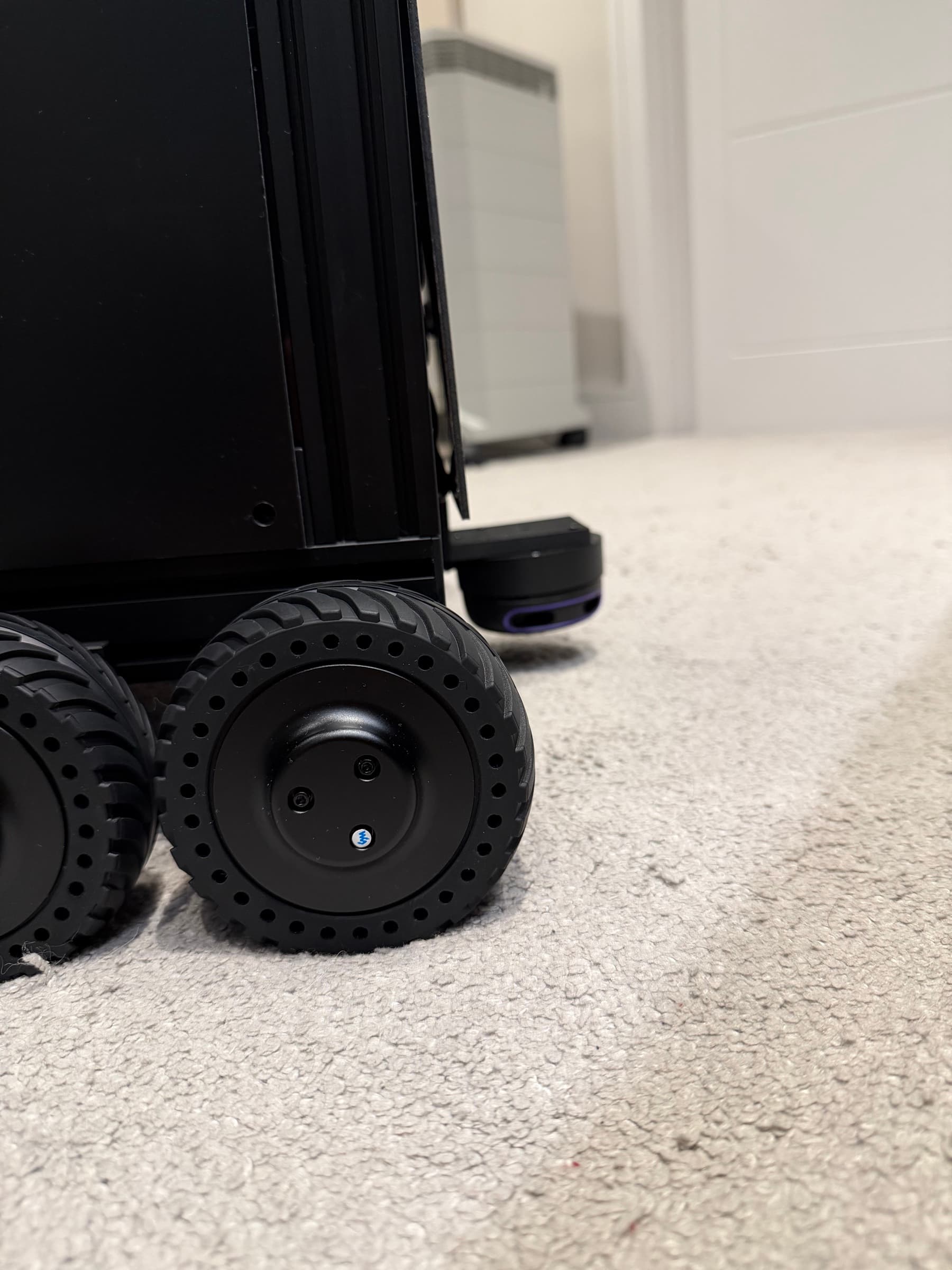
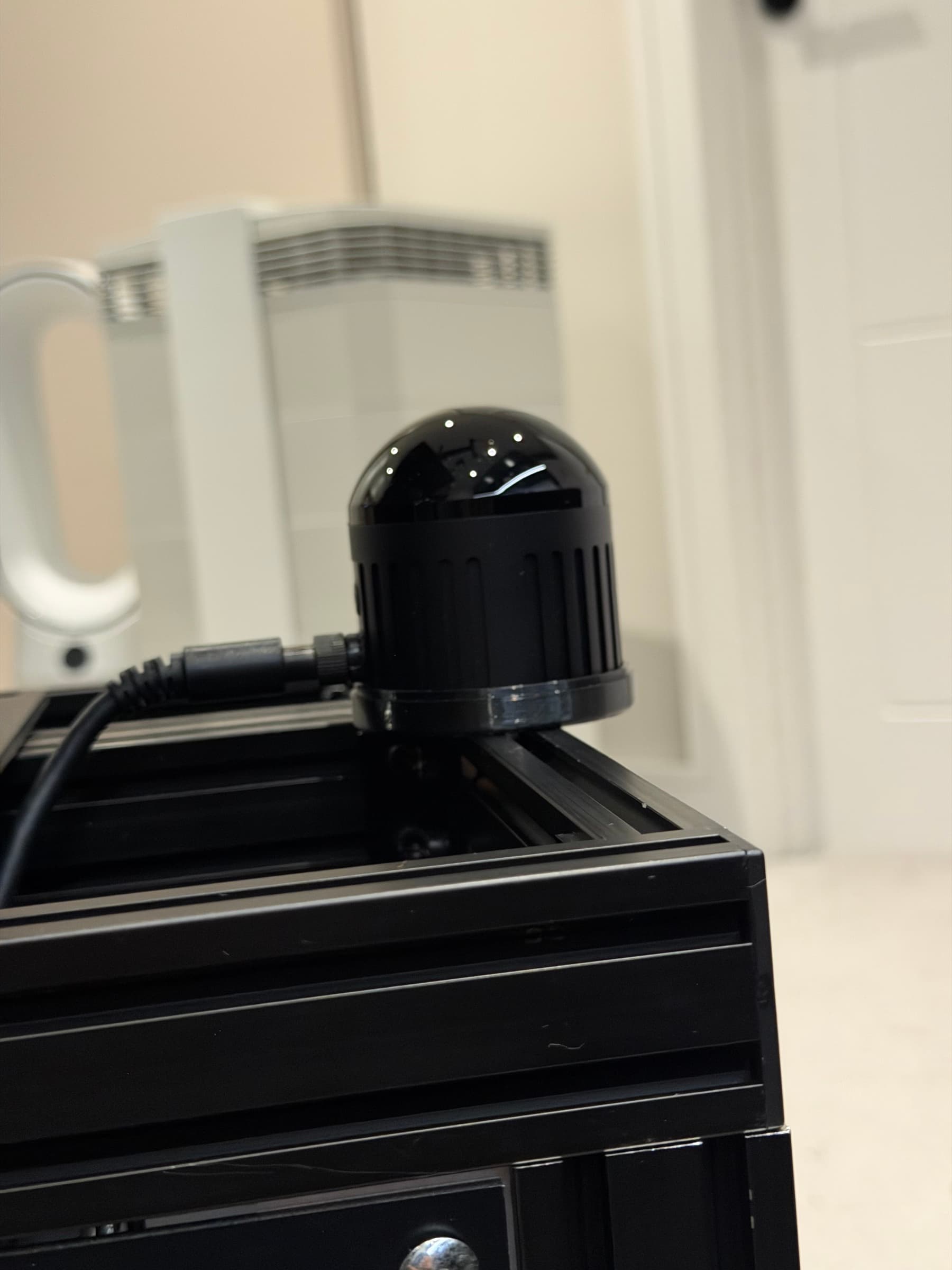
Inside the base, I planned to fit an EcoFlow Delta 3 for power. At the front, I added a Robosense Airy LiDAR. Near the bottom, I added a 2D RPLiDAR, partly for navigation and partly to avoid the ever-present cats. For drive, I went with four Waveshare DDSM motors.
03/ 05
The Lift
The lift mechanism was where I made one of my more optimistic decisions.
Originally, I thought I could use a C-beam linear actuator to move the arms up and down. That turned out to be a silly idea. It was unstable, and often during rapid movements of the robot, the entire base would shake as the centre of gravity would change constantly. It was not the right fit for what I needed.
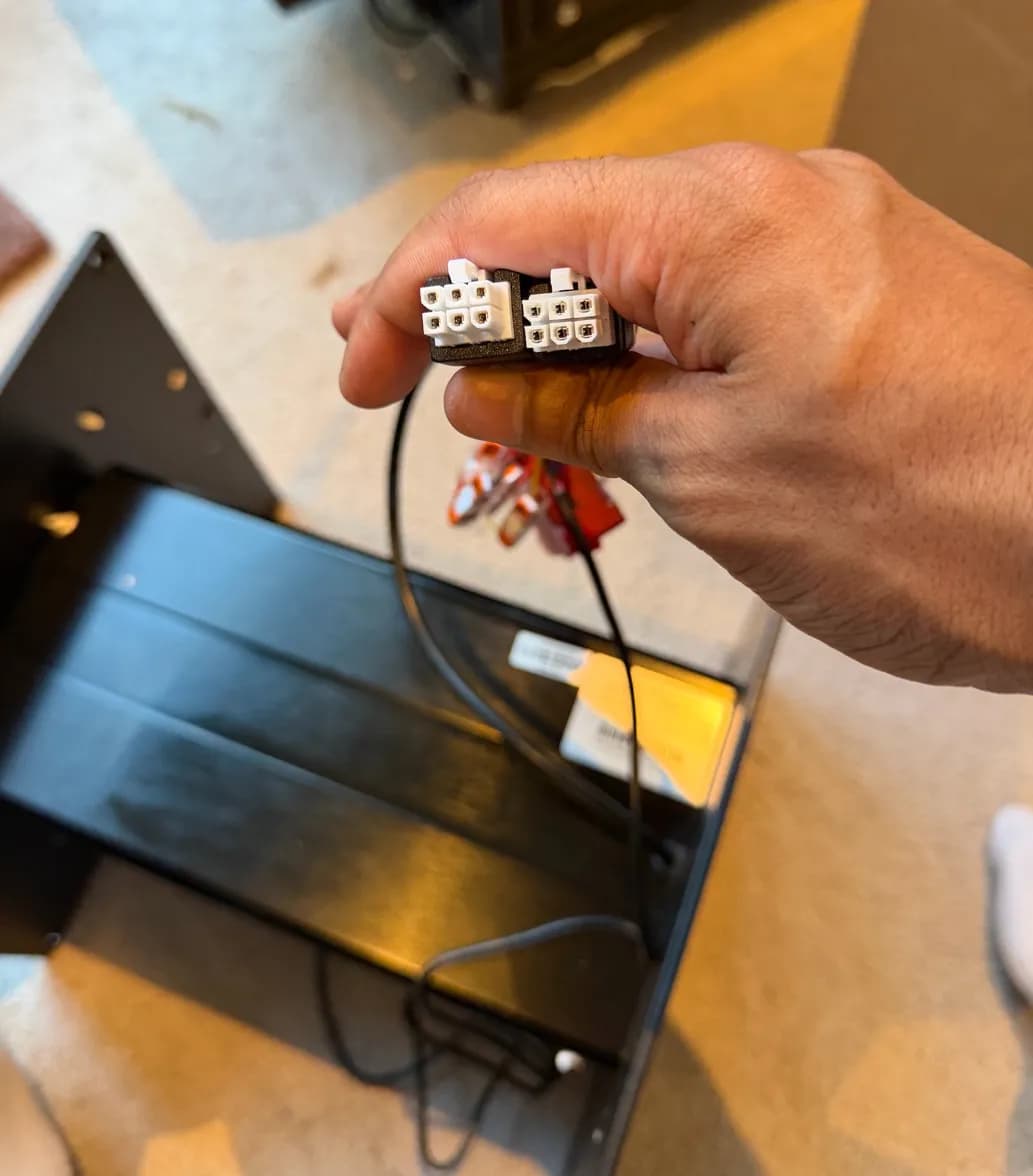
Eventually, I realised I could jerry-rig a standing desk leg instead. I cut into its Hall sensor cables, slapped on some Wagos, and connected it to a RoboClaw.
It was not elegant, but it worked.
04/ 05
The Cable Reality

The thing I completely underestimated was the size of all the power bricks and the amount of cabling. On paper, everything fitted. In reality, the bricks took up far more space than I had planned for. So I ended up designing and 3D printing a storage box that hooks onto the back of the robot and attaches to the extrusion frame with M5 screws.
Annoying, but not a complete disaster. It also gave the drag chain enough room to move up and down properly, so at least the bodge came with a bonus.
That is where the build is at for now.
05/ 05
What This Became
I started out wanting the useful home robot that companies have been promising for years. What I actually got was a crash course in arms, servos, simulation, synthetic data, calibration, batteries, mobile bases, and all the deeply annoying details that sit between a cool demo and a robot that works in the real world.
I'll be continuing this series in due course. Part 3 will focus on ROS2 headaches and finally getting round to collecting data!
End of log 02
part 3 planned
Log 03status: planned
Part 3 is planned
The next part will cover ROS2 headaches and finally getting round to collecting data.