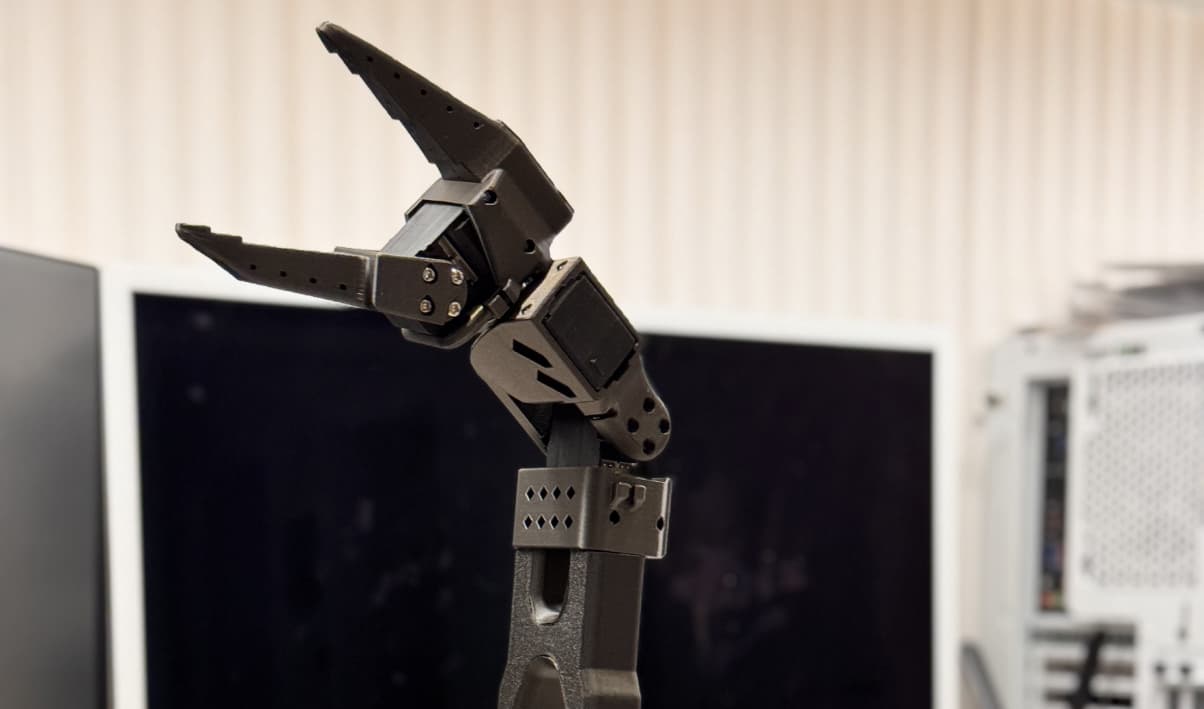
01/ 06
The Robot I Wanted
I've wanted a proper home robot for years.
Not a novelty thing. Not something that waves at you at a trade show and then disappears forever. I mean an actual useful robot that can help around the house, pick things up, tidy, maybe deal with the boring jobs I hate doing.
I'm a bit of a clean freak, and I have absolutely no love for spending hours ironing, tidying, moving things around, or generally doing all the repetitive nonsense that somehow eats an entire weekend. So naturally, I've gone through a fair few home robots over the years, from the Roomba i7 through to my current Dreame.
I also have a soft spot for the old robotics demos. I still remember watching Honda ASIMO fall down a set of stairs as if it had just been shot. Then, years later, Samsung showed off Bot Handy at CES and I thought, right, this is it. Surely this will be out in a year or two.
Obviously, that did not happen.
At the time I did not really understand how far away the industry still was from making that kind of robot work in a real home. It is one thing to show a robot carefully picking up a glass in a staged demo. It is another thing entirely to have one deal with the chaos of an actual house.
A few years ago, I bought my first 3D printer, the Bambu Lab X2D, and that changed things for me. Suddenly I could make physical parts at home. Within minutes I was printing random useful bits, brackets, holders, organisers, and all the usual stuff you print when you first get a 3D printer and become temporarily insufferable.
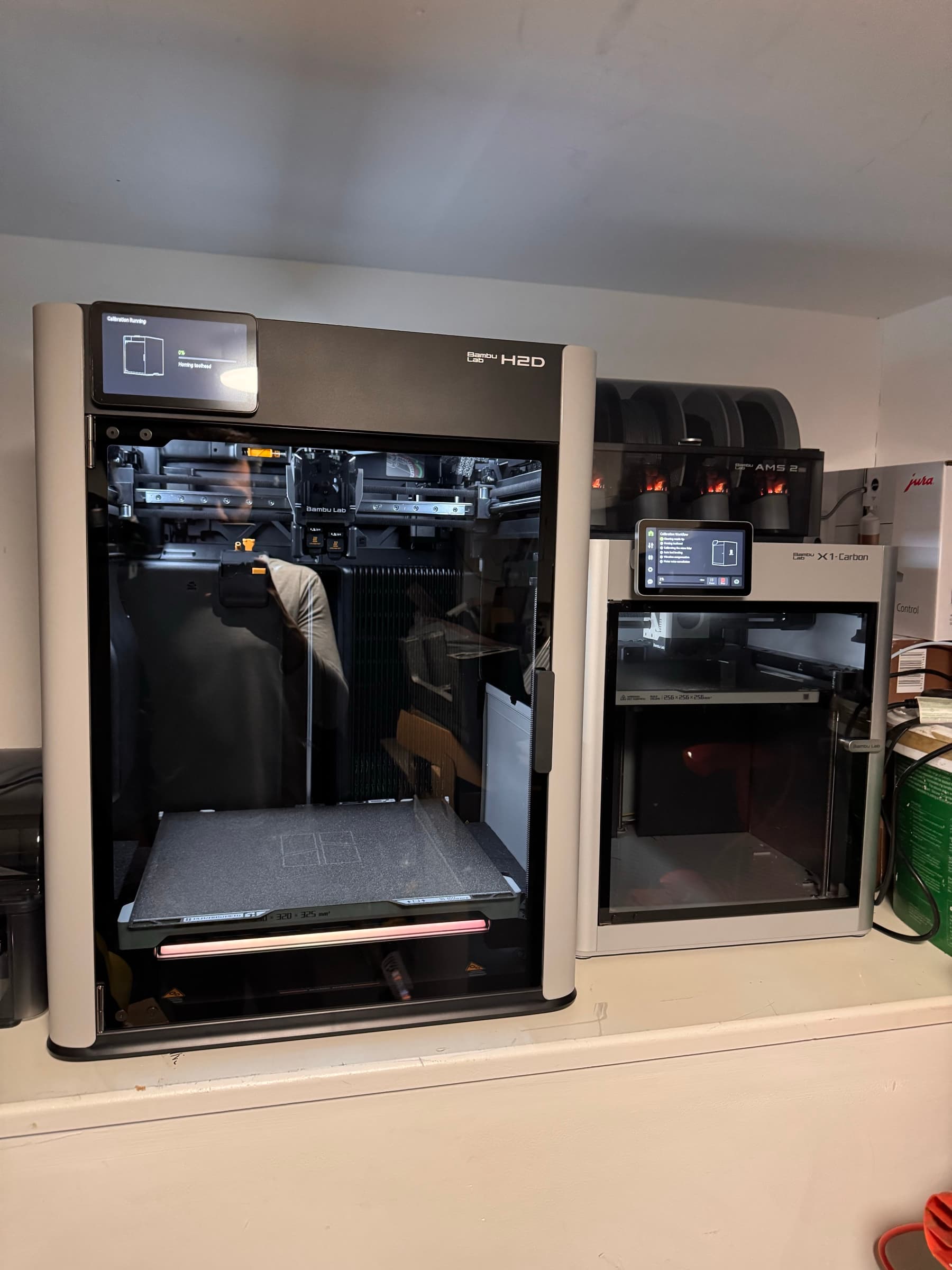
Pretty quickly, I started wondering whether people were using these printers to build robotic arms.
Of course they were.
02/ 06
The First Arm
That is how I ended up finding the SO101 from LeRobot. I ordered the STS servos, started printing parts, and after a few days of assembling everything, I had my first robotic arm sitting on the desk.
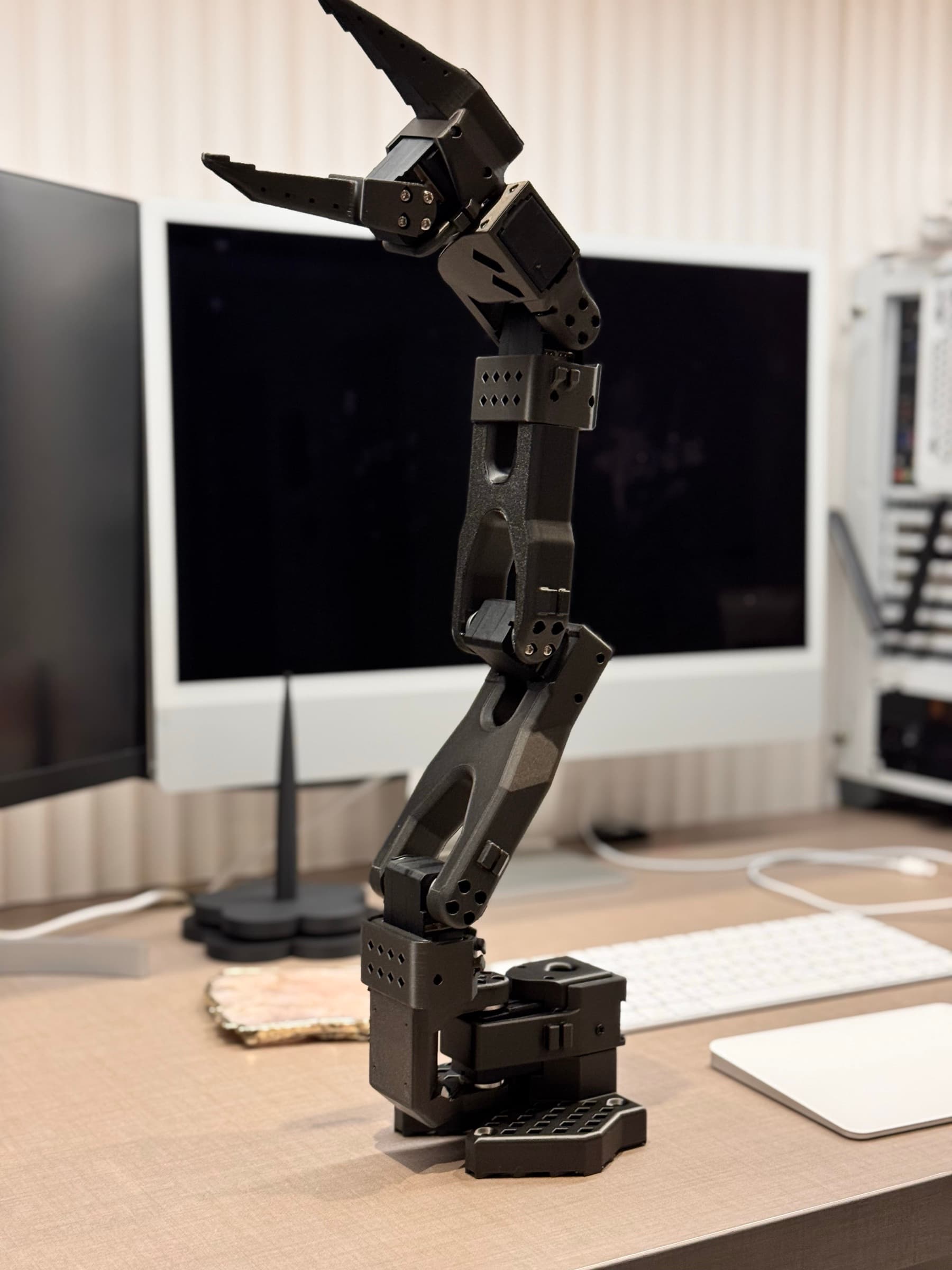
There was a lot of command-line work, a lot of serial debugging, and not much in the way of a friendly workflow for recording demonstrations. I wanted to spend time controlling the robot, collecting data, training models, and seeing what it could do. Instead, I kept ending up in some rabbit hole trying to work out why something had stopped talking to something else.
I found phosphobot, which looked promising, but the project was sunset midway through. Even before that, I was running into limits with the way I wanted to work. I wanted local training, cloud training on my own machines, ROS2 integration, and a cleaner way to manage the whole process.
So I built my own tool: LeRobotArmsSystem.
The name tells you exactly what it does, which was the point.
The first thing I wanted was a proper calibration interface. I did not want to keep poking around in the CLI just to move joints and check ranges. I wanted to visually move the arm through its full range of motion and calibrate it in a way that felt obvious.
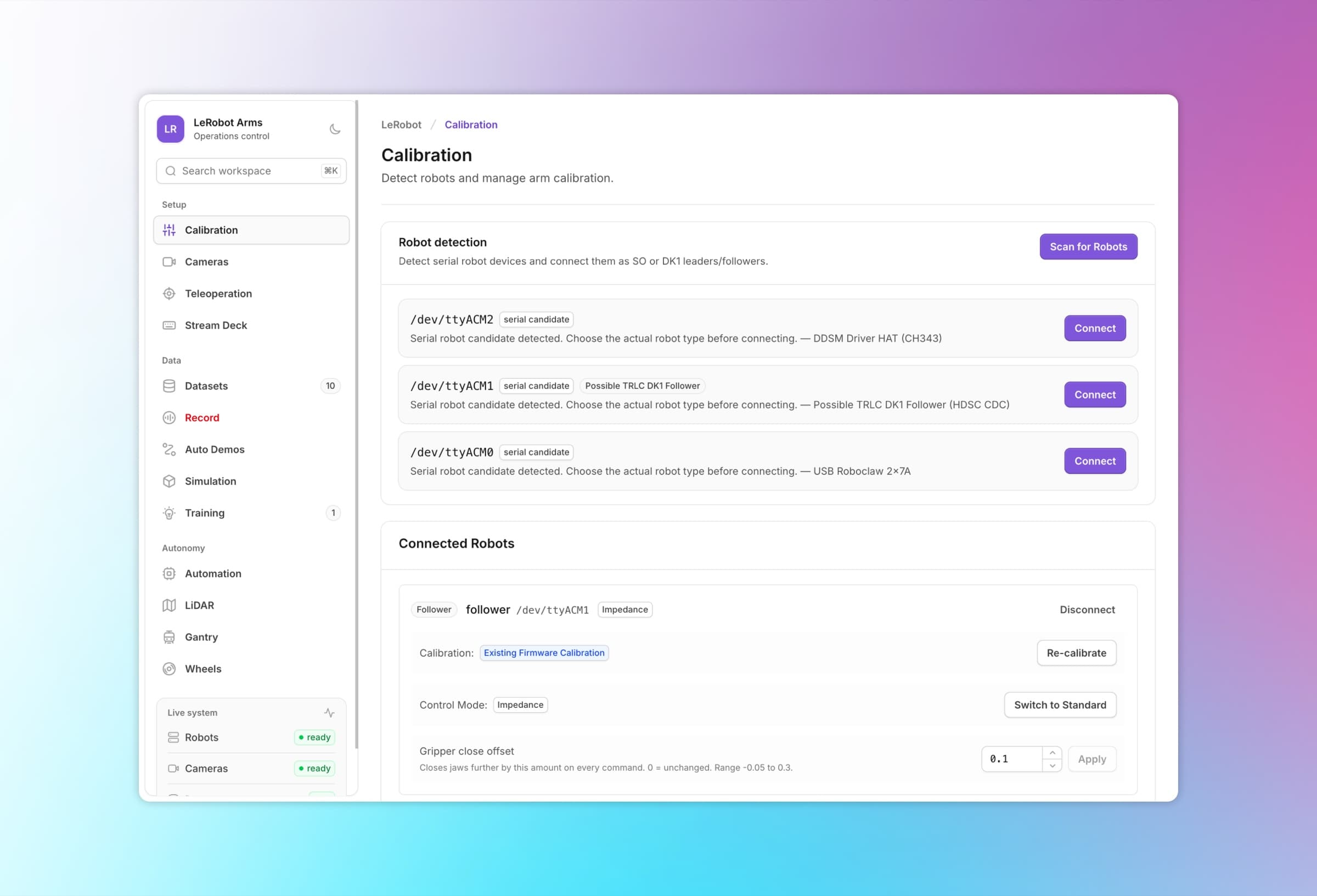
It felt brilliant. Then the reality of actually using it kicked in.
03/ 06
Ambition Immediately Got Worse
Once that was working, my ambitions immediately got worse.
I started wondering whether I could mount the arms on a mobile base. I found the XLERobot, ordered an Ikea Raskog cart, stuck the SO101s on top, and for about five minutes I was convinced I was building the home robot I had always wanted.
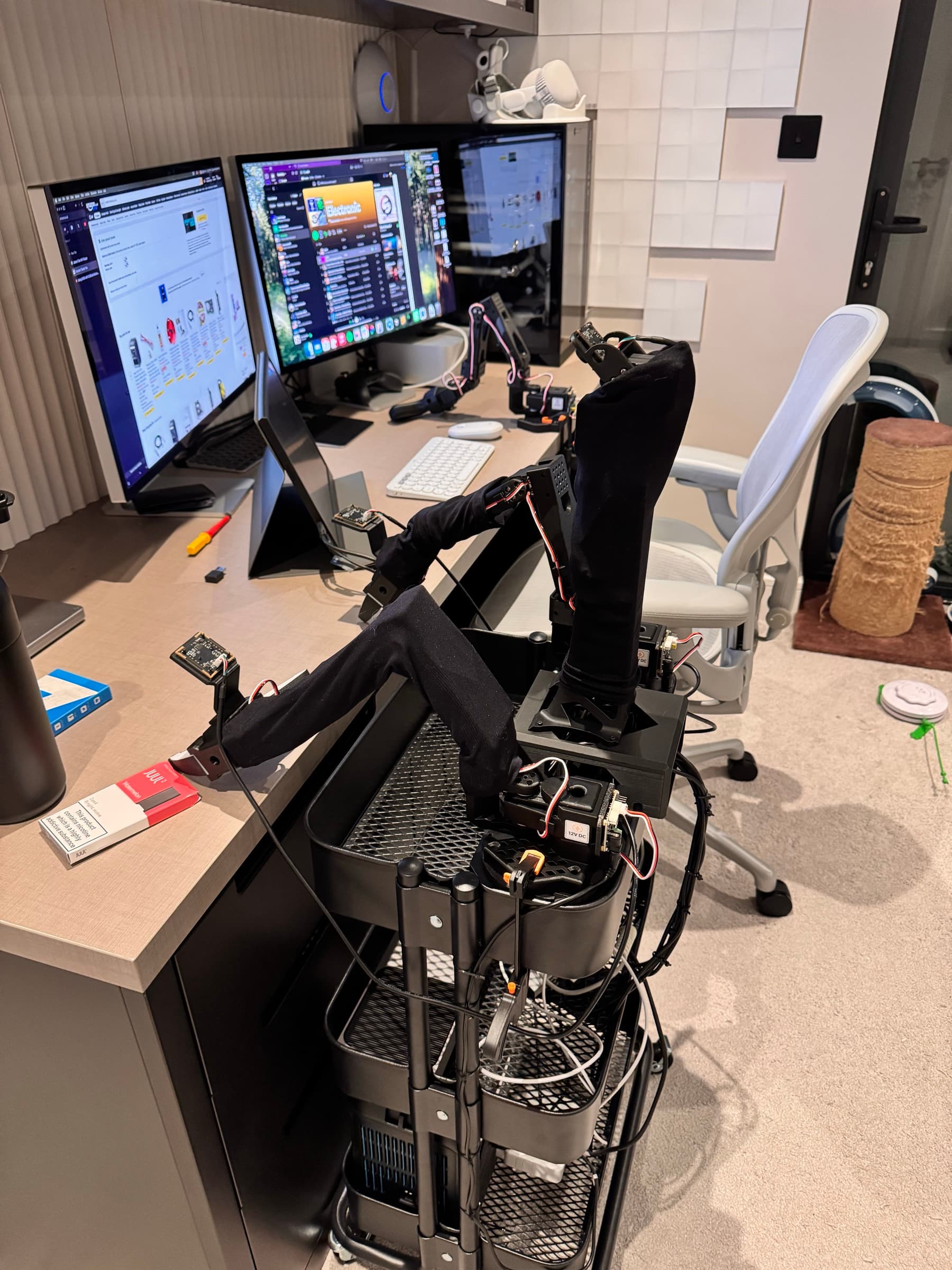
Then reality arrived again.
SmolVLA had just come out and looked really interesting, but the documentation was still a bit rough. I then tried GR00T, which actually worked reasonably well in places. With around 30 demonstrations, I managed to get the arm to grab a cloth and return to its home position.
That was exciting, but it was not reliable.
The arm would often whiplash itself back and forth for no obvious reason. Sometimes it worked, sometimes it looked like it had completely lost its mind. Collecting hundreds of teleoperation demonstrations by hand was not realistic for me at that point, so I needed another way to get more data.
That sent me into Isaac Sim and Mimic.
04/ 06
The Simulator Fights Back
This was where the pain really started.
The installation was awkward, the setup was fiddly, and after getting deep into it I realised Mimic was not going to work on Windows. So I bought a new NVMe SSD, dual-booted into Ubuntu, and started again.
Eventually I got somewhere. I found LightWheel's LeIsaac for SO101 arms, which gave me a useful starting point, but I quickly wanted to create my own scenes. That turned into weeks of debugging physics, contacts, and all the delightful little ways a simulator can make you question your life choices.
At one point, all I wanted was for the gripper to pick up an orange. Instead, it would fling it across the scene or let it slip out like the orange had paid for an escape plan.
The fix, after far too much suffering, was one line:
Isaac Sim contact fix
resolvedself.sim.physx.solve_articulation_contact_last = TrueThat made the gripper contacts win over the joint drives, as long as I was using Isaac Sim 5.1.0 and set it in the environment file.
05/ 06
One Workflow, Not Ten Terminals
Around this point, the frontend system started becoming more important. I did not just want a robot control panel. I wanted one place to manage the whole workflow: calibration, scene creation, robot spawn positions, object selection, demonstration recording, synthetic data generation, training, and inference.
The system now integrates with Isaac Lab and Isaac Mimic, so I can generate Mimic synthetic data from the UI without dropping back into the CLI every five minutes.
For one "pick up the orange" task, I generated around 800 Mimic episodes, pretrained using my own phased training setup, and then fine-tuned on around 60 real-world episodes.
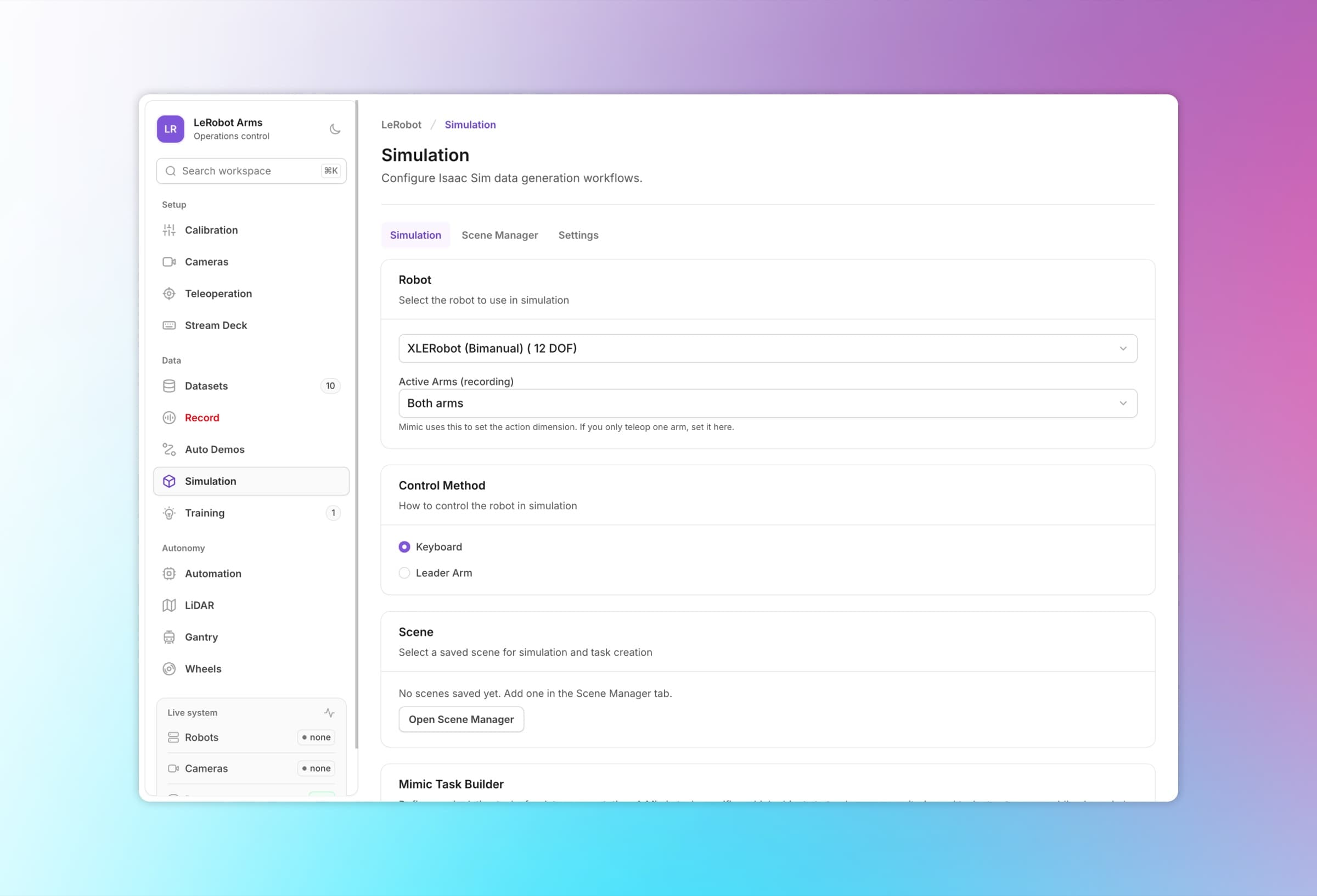
Then came the fun bit: inference.
At first, the results were pretty poor. I moved the cart as precisely as I could back to the original position where I had recorded the real data, and eventually I got it working. The robot could pick up the orange in some cases, which felt great.
But I was not convinced simulation had given me the boost I was hoping for.
06/ 06
Just Enough To Be Exciting
The gripper still missed the target too often. The setup was fragile. The arms did not have enough reach. Screws would come loose, calibration would drift, and suddenly a bunch of data was basically useless. The whole thing worked just enough to be exciting, but not enough to feel like a real platform.
I also never got the Raskog cart driving around properly. By that point, it felt like the wrong foundation. I needed better power, more stability, more reach, and a setup that did not feel like it was constantly on the edge of shaking itself apart. My Anker battery was not playing nicely with the Jetson Thor either, which did not help.
This is the condensed version, by the way. There were plenty of other setbacks: arms slamming themselves across tables, STS servos browning out, 3D-printed parts snapping, cables being awkward, and the usual "why is this suddenly broken?" robotics experience.
So I decided to build something better.
End of log 01
continued in part 2
