Case studyConnected mobility
UD Trucks: a connected driver app for trip checks, servicing and driving feedback
Working with UD Trucks, I designed the driver app and fleet interfaces for their connected vehicle programme. The project focused on dashboards that put safety, efficiency and real-time vehicle data first. Through research with drivers and fleet managers, we shaped interfaces that fit existing workflows and covered route optimisation, vehicle diagnostics and driver performance monitoring. The work was delivered as journey maps, high-fidelity app designs and rendered prototype videos, showing how paper-based driver workflows could move into a single connected app.
Project length
2021-2022
Team
Innovation Lab
Platform
Web Dashboard & Mobile
- Role
- Product Designer
- Client
- UD Trucks
- Scope
- Driver research → high-fidelity UI
- Deliverables
- Journey maps, app design, C4D renders
01Vision
A driver app that monitors and educates drivers on their driving behaviours.
What could a connected experience that genuinely supports drivers look like? One that helps them plan operations, predict maintenance tasks, log repairs and replace broken parts to avoid unnecessary downtime across the fleet.
02Research
How do drivers currently note their pre-trip & post-trip checks?
As part of our initial research, we conducted workshops and interviews with drivers to better understand their pain points and what gains they would seek. We took some of these findings into a value proposition canvas.
“We often lose our paperwork”
“Trip checks can take a very long time!”
“Which pre and post trip checks are required”
“Adblue stations can be hard to find”
“Each step of the checking process isn't always clear”
“We don't know how to increase efficiency”
03Journey
A day in the life of a typical truck driver
We began to understand how this app would fit into the daily life of a driver. We built a story around this and made it the centrepiece of how we designed the app. We wanted the app to fit into a driver's day and feel like a natural part of their routine.
Briefing
Ahmad is scheduled to make a 567km journey from Johannesburg to Durban. On this journey, he will be transporting goods on a Quester truck. On arrival at the loading facility, he's assigned a truck by the fleet manager which has already had its cargo loaded. Whilst walking to his truck Ahmad launches the UD Trucks app. He is then presented with an option to start a trip. He taps on the start a trip button and then proceeds to scan the plate number of the vehicle.
Pre Trip Check
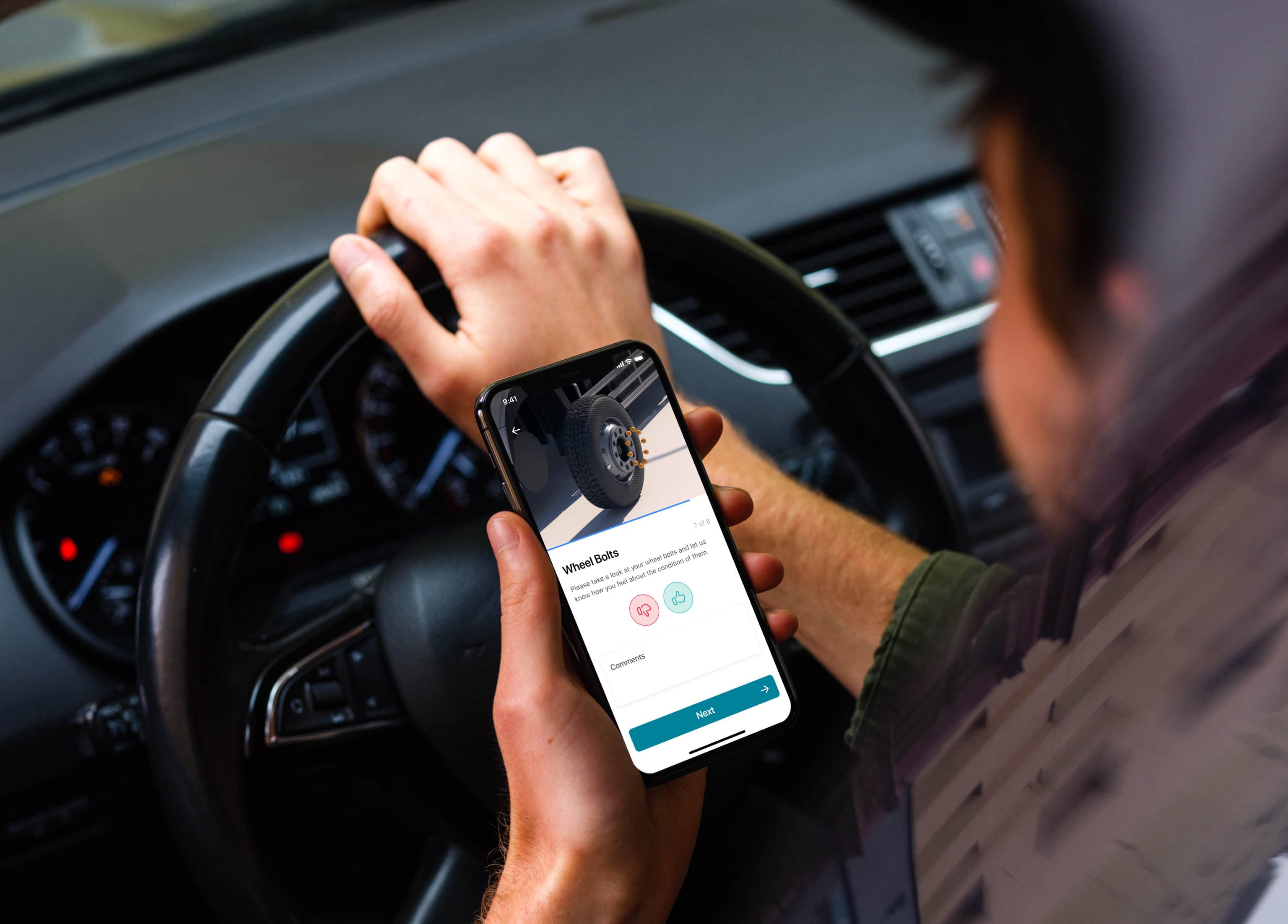
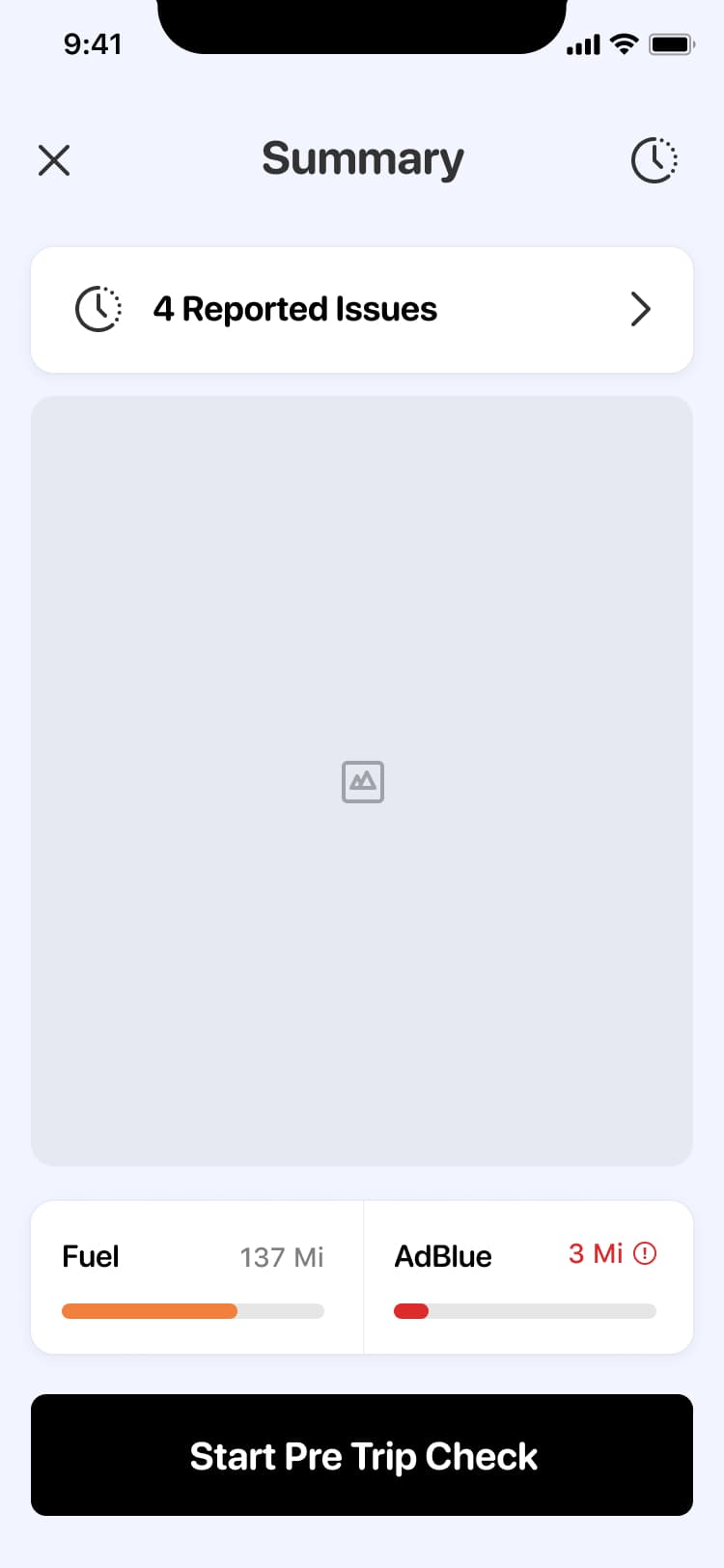
Ahmad carries out a pre-trip check with the guidance of the app on his mobile device. As he views the pre trip screen, he notices that the app displays a warning that the AdBlue levels may be too low, he keeps this in mind so he can fill the AdBlue levels up before he departs.
Brake Alert
200km into his journey he receives an alert on his dashboard - he's been braking very harshly for the last 50km of his journey, the app reminds him that slower braking techniques will help improve fuel efficiency and maintain health of the vehicle. Acting on this advice he begins to brake more gently, this saves around $20 of fuel over the course of the trip.
Service Station
He stops over on the hard shoulder for a scheduled break and uses taps on 'POI' on his UD Trucks app. He locates the nearest service station quickly en-route to his destination. He taps the 'Open in Google maps' button and navigates to a service station.
Post Trip Check
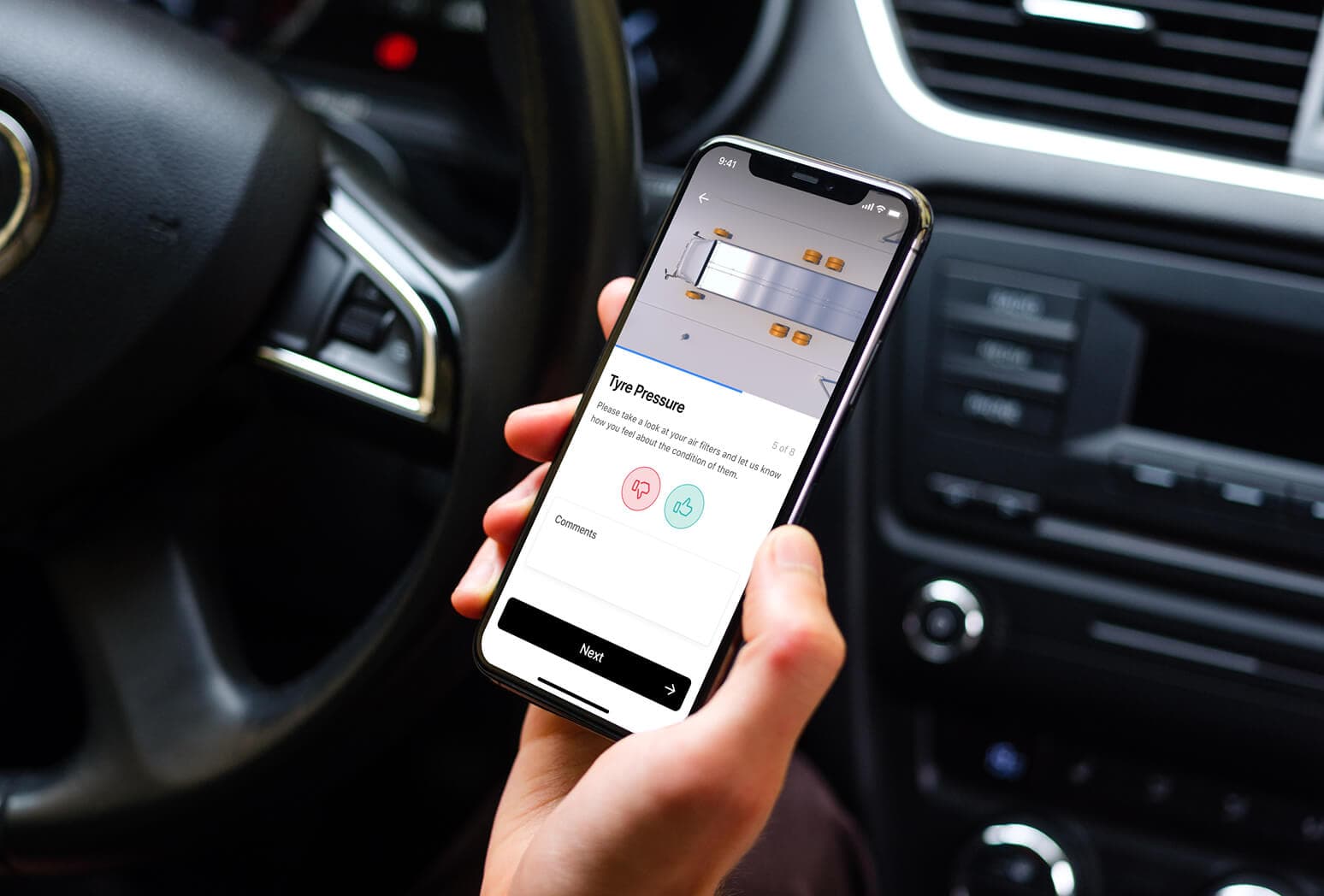
He takes his break at the service station and completes his journey 3 hours later. He swipes 'Complete trip' on the application and is then prompted to carry out post-trip checks. Ahmad checks the air filters and notices they are slightly clogged up, he taps on a CTA button on the app which lets the fleet managers know about the issue, before moving onto the next post trip check step.
Self Improvement
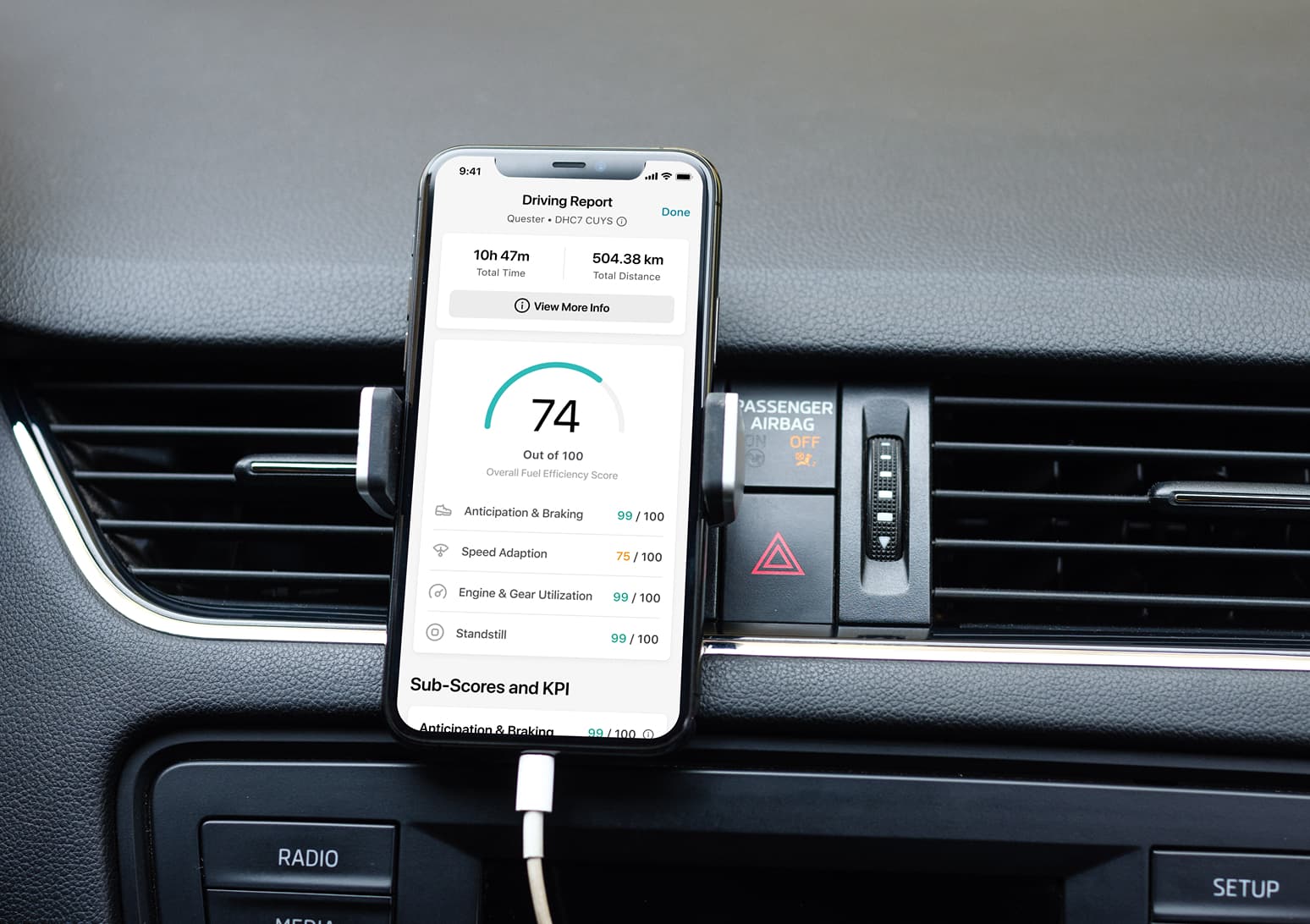
Ahmad finishes his post trip checks and heads over to the crew resting area. He launches the UD Trucks app and views his post trip summary, he receives a score of 78/100 and is delighted, he swipes down and views some cards that give him tips and tricks to improve his score. Ahmad takes these tips onboard so he can improve his driving for the next trip he takes.
04Exploration
Exploring the best journey we can deliver
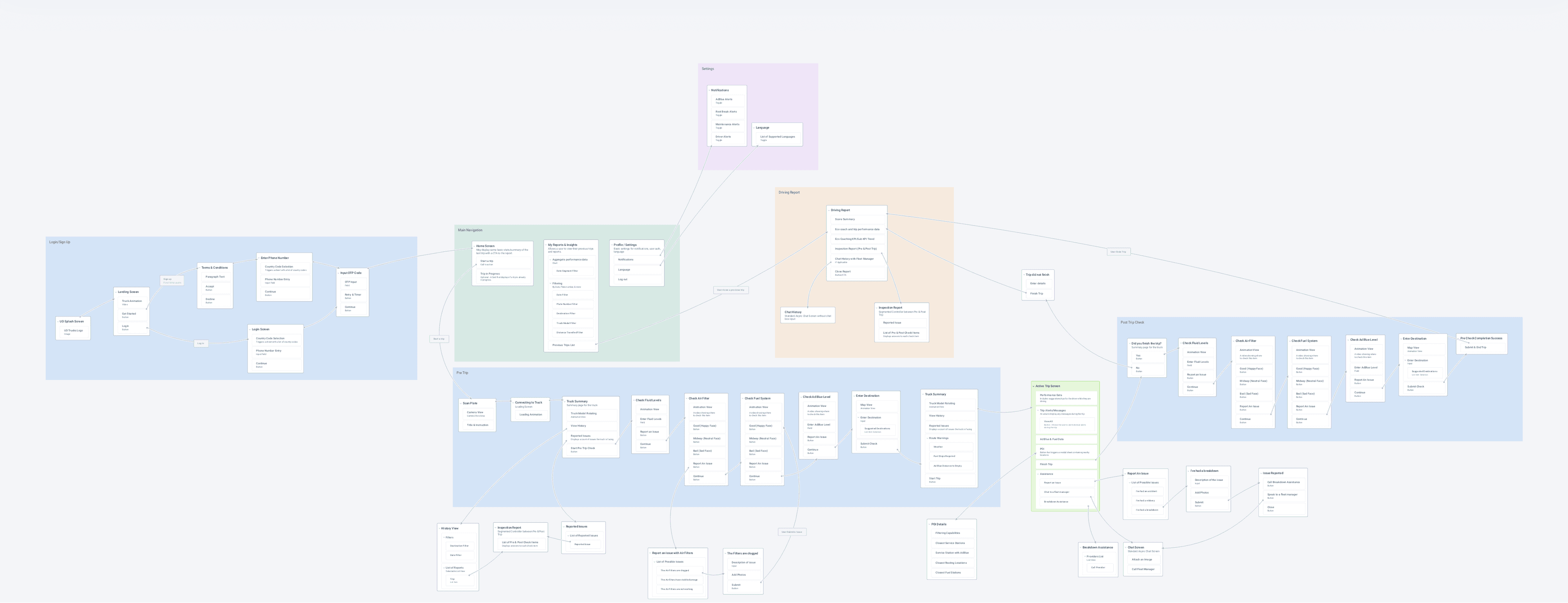
We developed a cohesive picture of what the app would look like.
05Wireframes
Lo-fi wires to test without bias
We first built out a lo-fi prototype, ensuring that any usability testing to be conducted would not be biased by colours or imagery.
06Renders
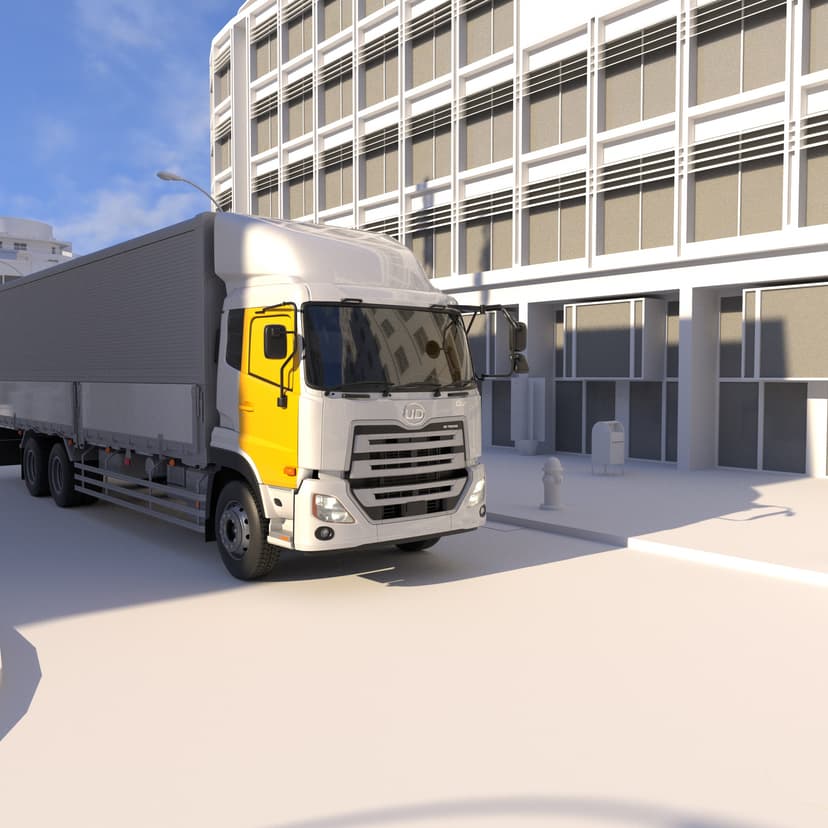
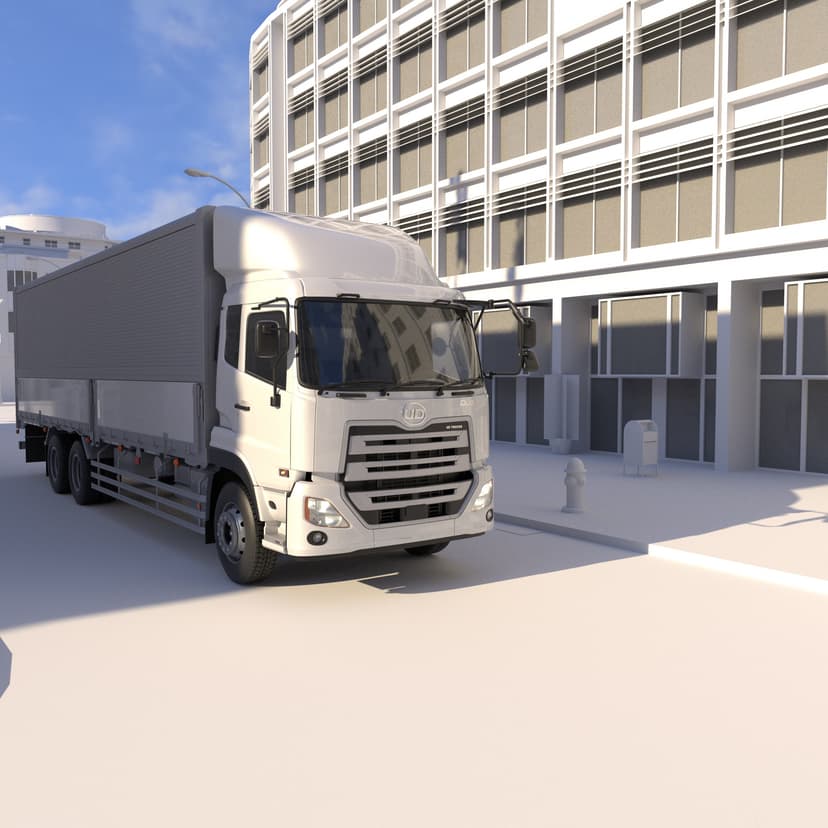
Using Cinema4D + Octane
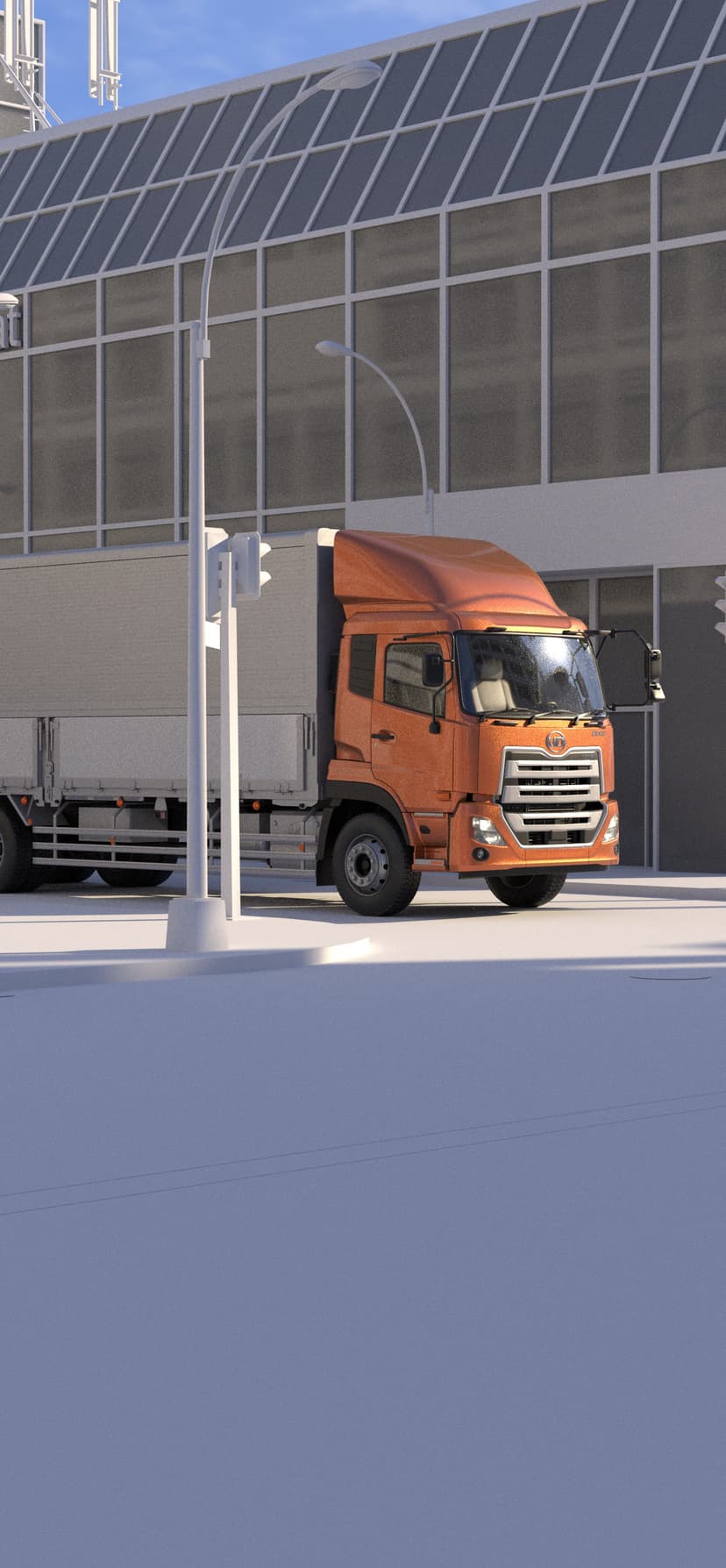
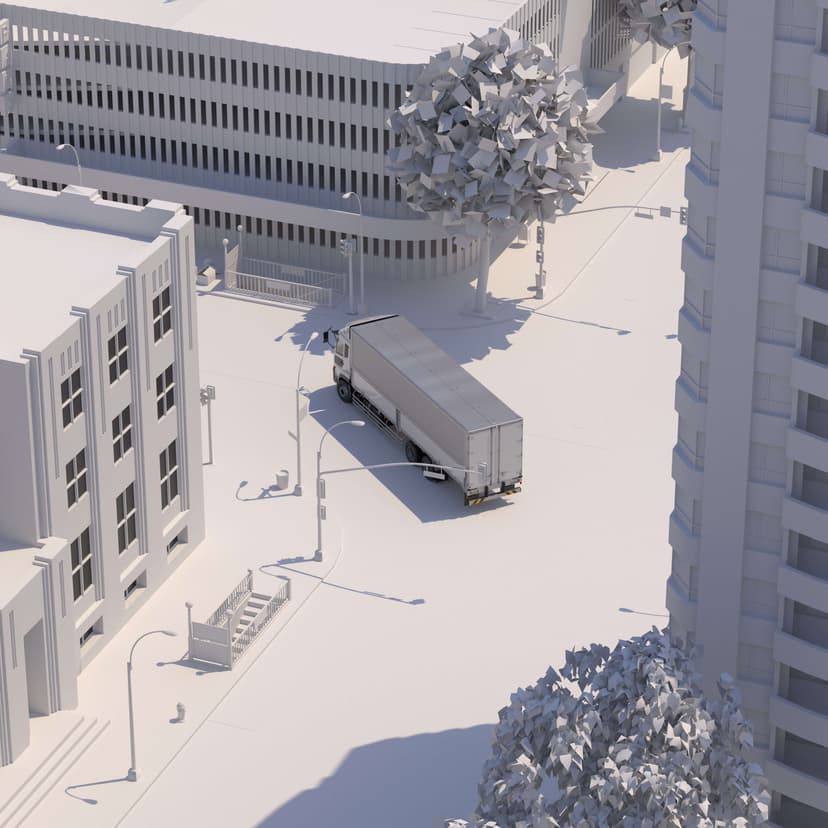
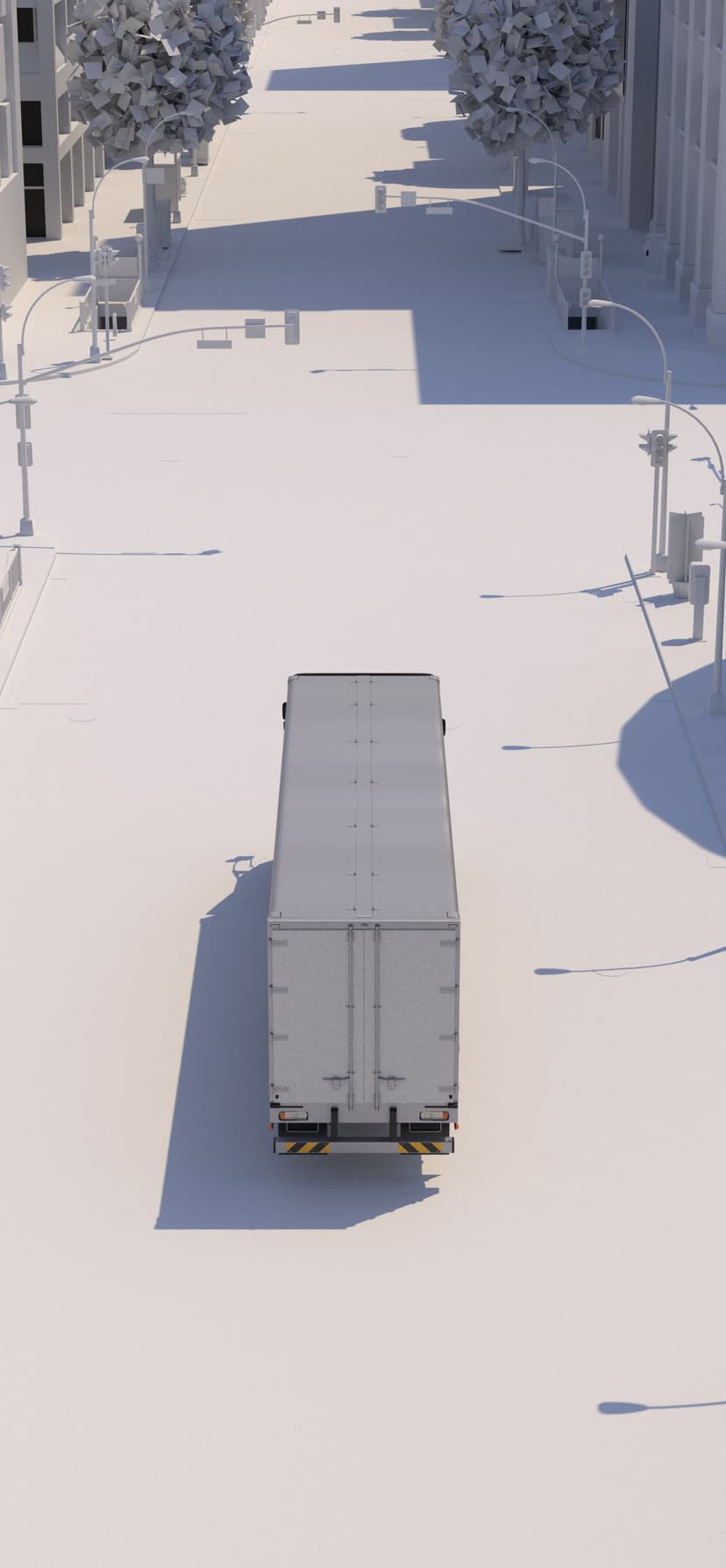
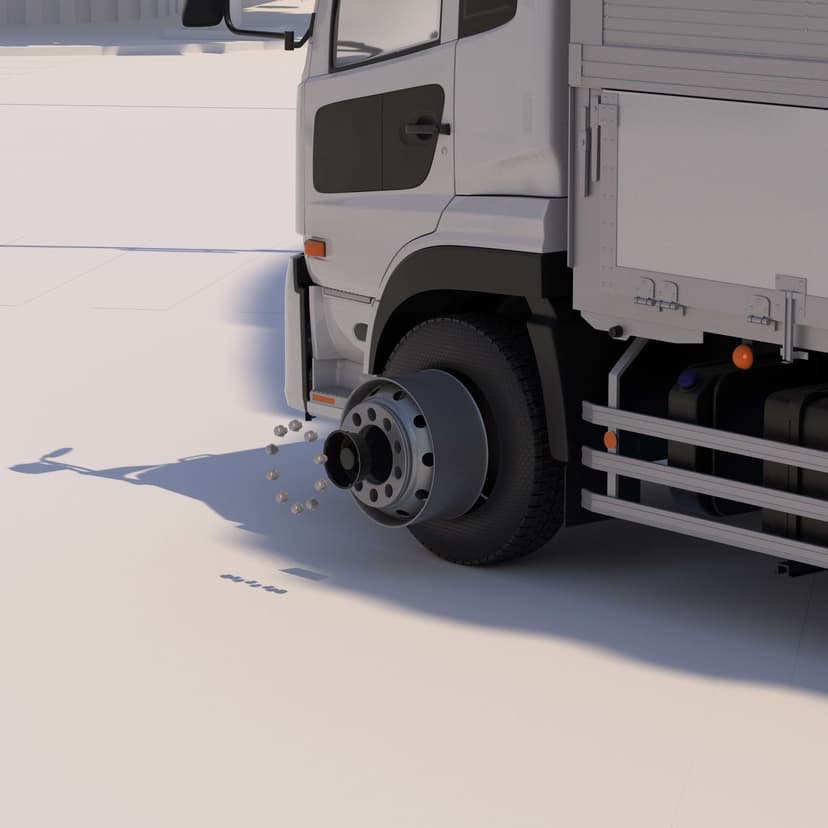
As the app design started, I designed and rendered custom imagery and video in a monochromatic style for the app. I used Cinema4D with the DRIVE+ plugin to simulate vehicle dynamics, and rendered the sequences in Octane.

07Design
Design
We designed the app in Figma and prototyped using a combination of SwiftUI & ProtoPie.
01Screen
Home Screen
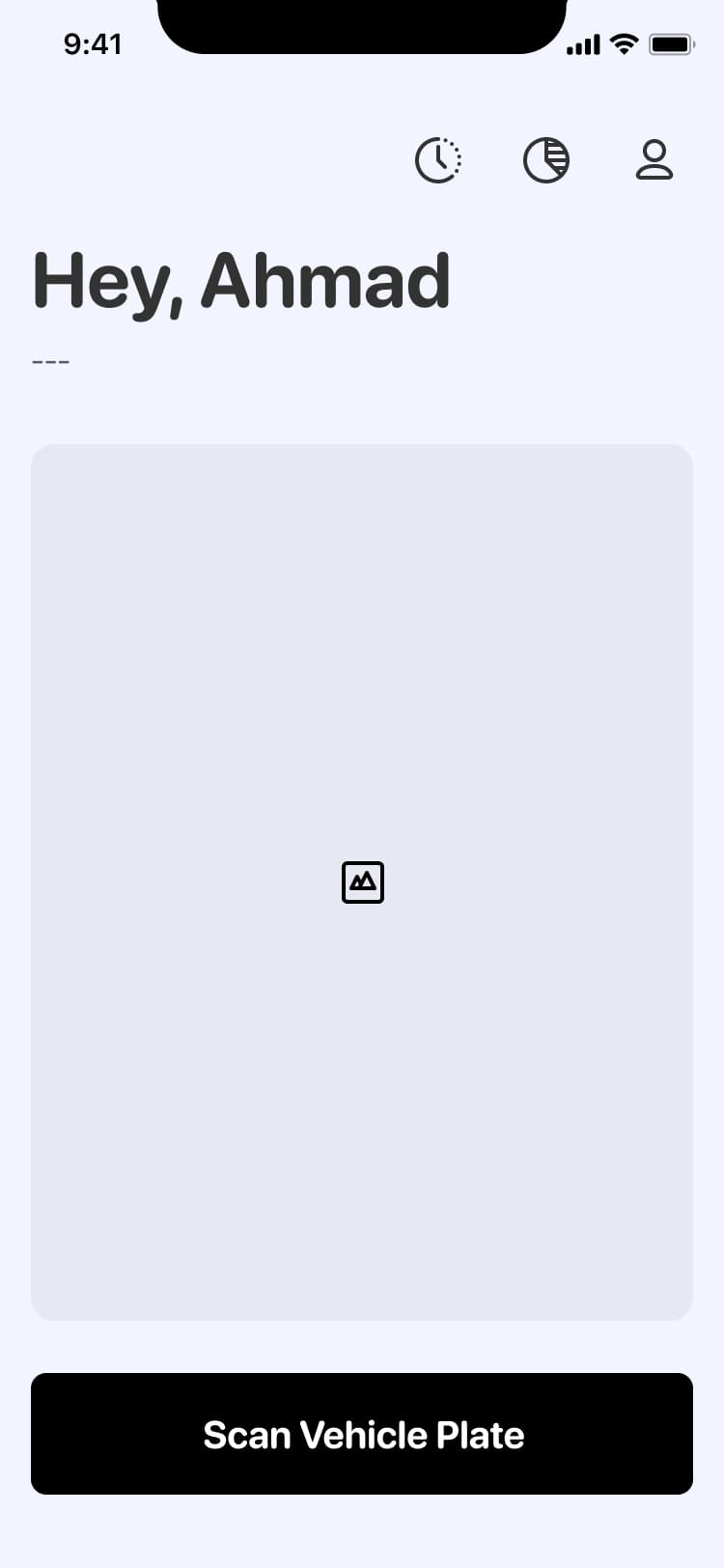
The home screen would allow drivers to immediately scan their vehicle registration plate and connect to it. The vehicle was connected to the internet via a 4G LTE device, installed within the driver cabin.
02Screen
Pre-Trip Checks
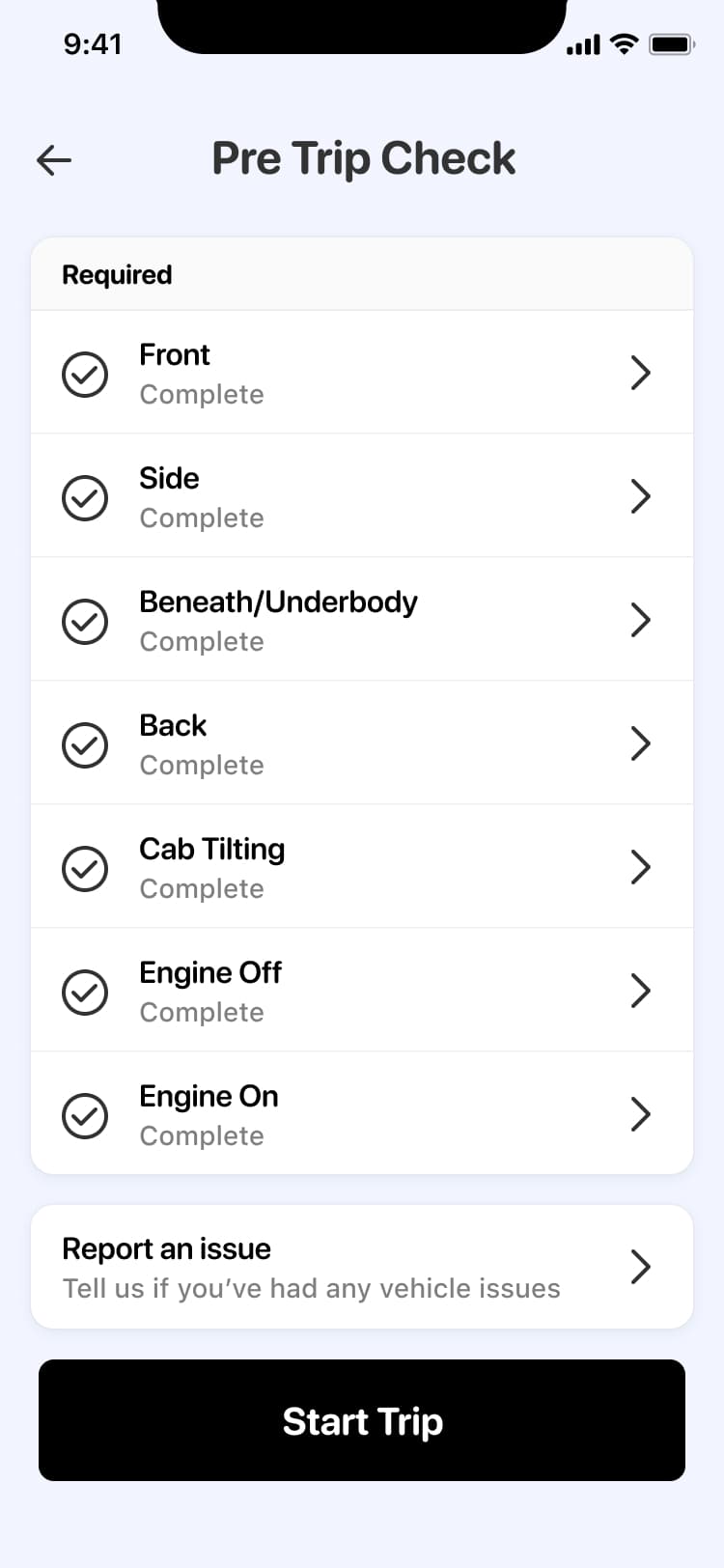
Pre-trip checks were typically done with pen and paper. The papers were often lost and the process was tedious. With this digital process, vehicle issues are captured immediately and flagged to fleet managers.
03Screen
Service Station
To support driver health and wellbeing, automatic service station alerts would be sent to the device. Drivers could also view service stations that supply AdBlue for their trucks.
04Screen
Feedback & Self Reflection
To help drivers drive efficiently and with care, the app would monitor driving performance through the tracking device installed in the vehicle. Drivers would be notified of areas to improve, helping them become better drivers. That also means less wasted fuel and, in turn, lower carbon emissions.